Discover KiddyView

How KiddyView works in your car.

Wondering what you need and how the camera, adapter and CarPlay work together? Discover the complete system here before you order.

KiddyView Camera with CarPlay-adapter
7clear
parts
Plug & play
  1. 1

    Part 1 · Compatibility

    KiddyView works with cabled car chassis Apple CarPlay Support.

    Also when you normally wireless with CarPlay connect, your car often has a suitable USB- or USB-C- Data port. This connection works KiddyView.

    • The Right USB- or USB-C-port supports data, not just charging.
    • Open CarPlay by cable, then the basis is for KiddyView present.
    • Our short wizard will help you check this before purchase.

    iAndroid Auto? This implementation is still under development; currently KiddyView available for Apple CarPlay.
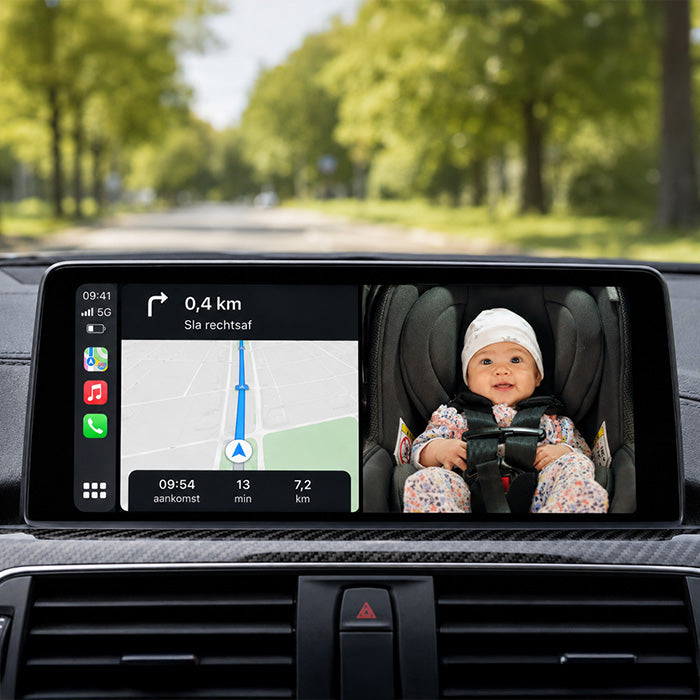
    CarPlay visible on the built-in car screen
  2. 2

    Part 2 · What you receive

    There is a complete KiddyView-set for one or two cars.

    Each set consists of the camera, CarPlay-adapter, power supply and mounting options that together form one user-friendly system.

    • The set for one car contains everything you need.
    • The 2-car bundle is useful when you don't want to keep transferring.
    • Android Auto is under development; Apple CarPlay is now available.
    Choose KiddyView
    KiddyView panda camera with adapter
  3. 3

    Part 3 · Assembly

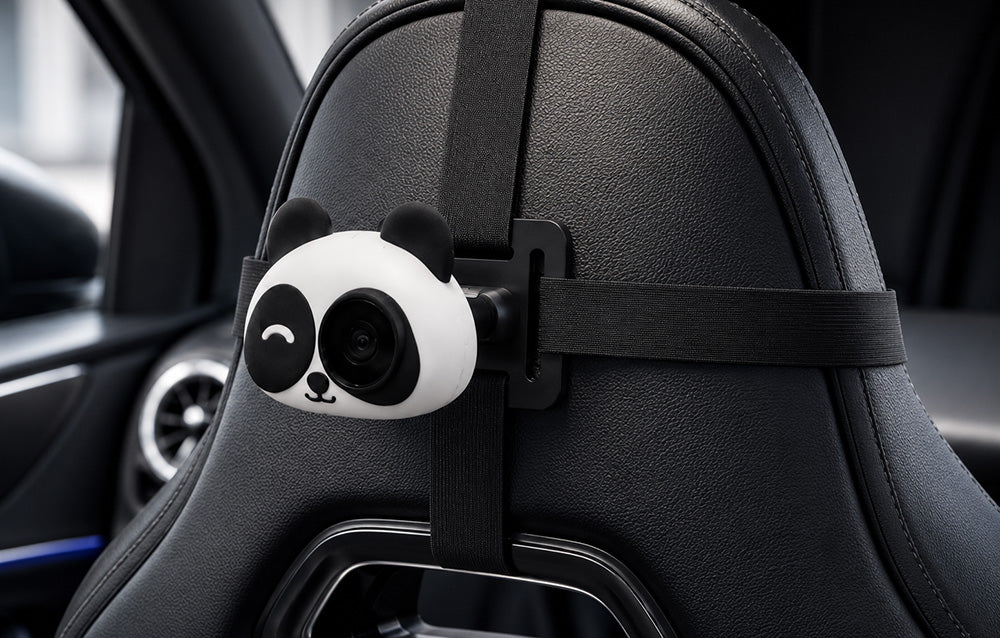
    The camera is easy to mount behind the headrest.

    You get two mounting options, so KiddyView fits different head restraints and car interiors. That does not require any technical knowledge.

    • The click bracket fits on headrests with metal rods.
    • The adjustable tyres offer a flexible second option.
    • The camera remains compact and firmly in place.

    Two mounting options: This is how you choose what suits your car best.

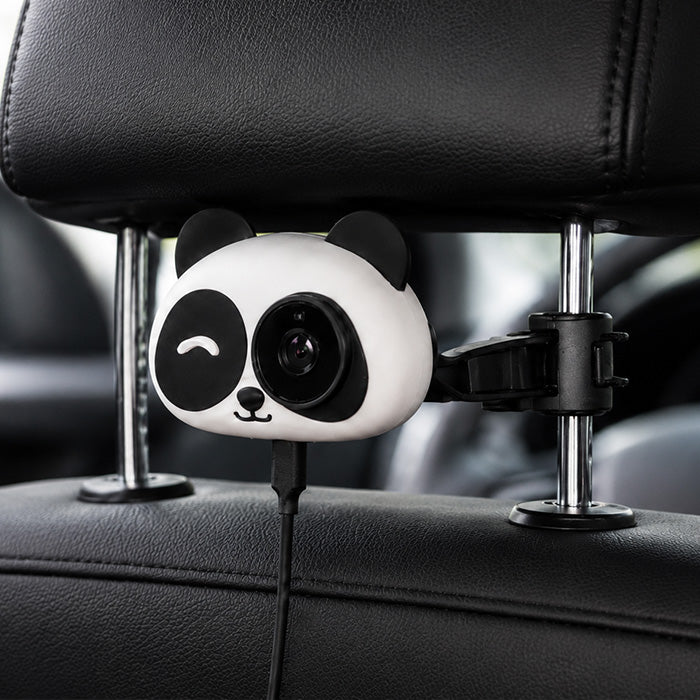
    KiddyView with click bracket on the metal bars of a head restraint
  4. 4

    Part 4 · Food

    The power cable is easy and clean to work away.

    The camera only needs power via USB or USB-C. The supplied cable can be carried compactly along the seat without a striking installation.

    • USB and USB-C Both are supported.
    • The cable is long enough to walk neatly along the chair.
    • Seats and adjustable parts remain freely accessible.

    Simple nutrition: no complicated connection or fixed installation required.

    KiddyView camera attached and connected behind the headrest
  5. 5

    Component 5 · The adapter

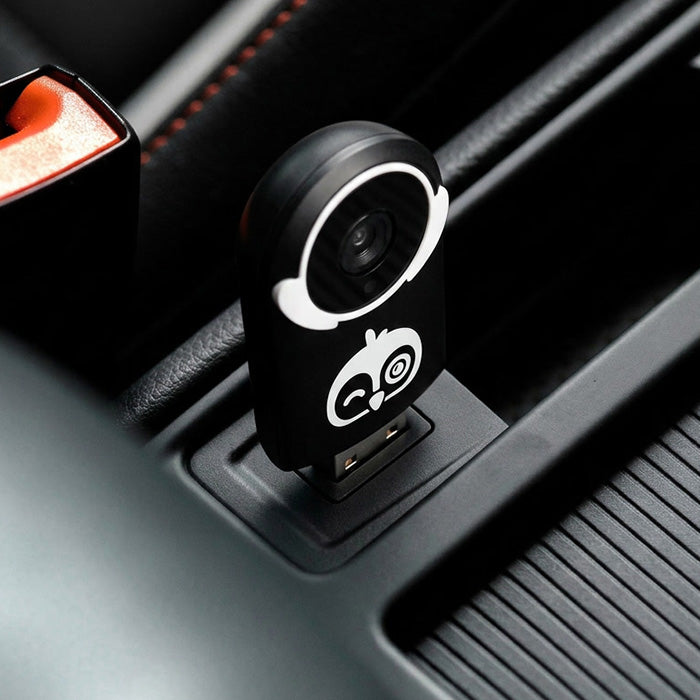
    The adapter makes you CarPlay-connection ready KiddyView.

    The compact adapter uses the existing CarPlay- data port of your car. As soon as it is connected, it will KiddyView started automatically on the car screen.

    • No single app needs to be installed on the car screen.
    • USB- and USB-C-connections are supported with the supplied adapters.
    • The system only takes a few seconds to boot.

    USBPlug & play: You don't have to install a loose app on the car screen.

    KiddyView adapter connected to the USB-port in the car
  6. 6

    Part 6 · Autoconnect

    After the first link, your devices will automatically find each other.

    The adapter makes CarPlay Wireless for your phone and takes the camera image to the same screen. The single link is short and clear.

    • Wifi and Bluetooth provide the wireless connection.
    • Phone and camera only need to be connected once.
    • On subsequent journeys, the connection automatically restarts.

    Only the first time: On subsequent journeys, the devices automatically recognize each other.

    KiddyView camera and adapter working with the phone and car
  7. 7

    Part 7 · Live Image

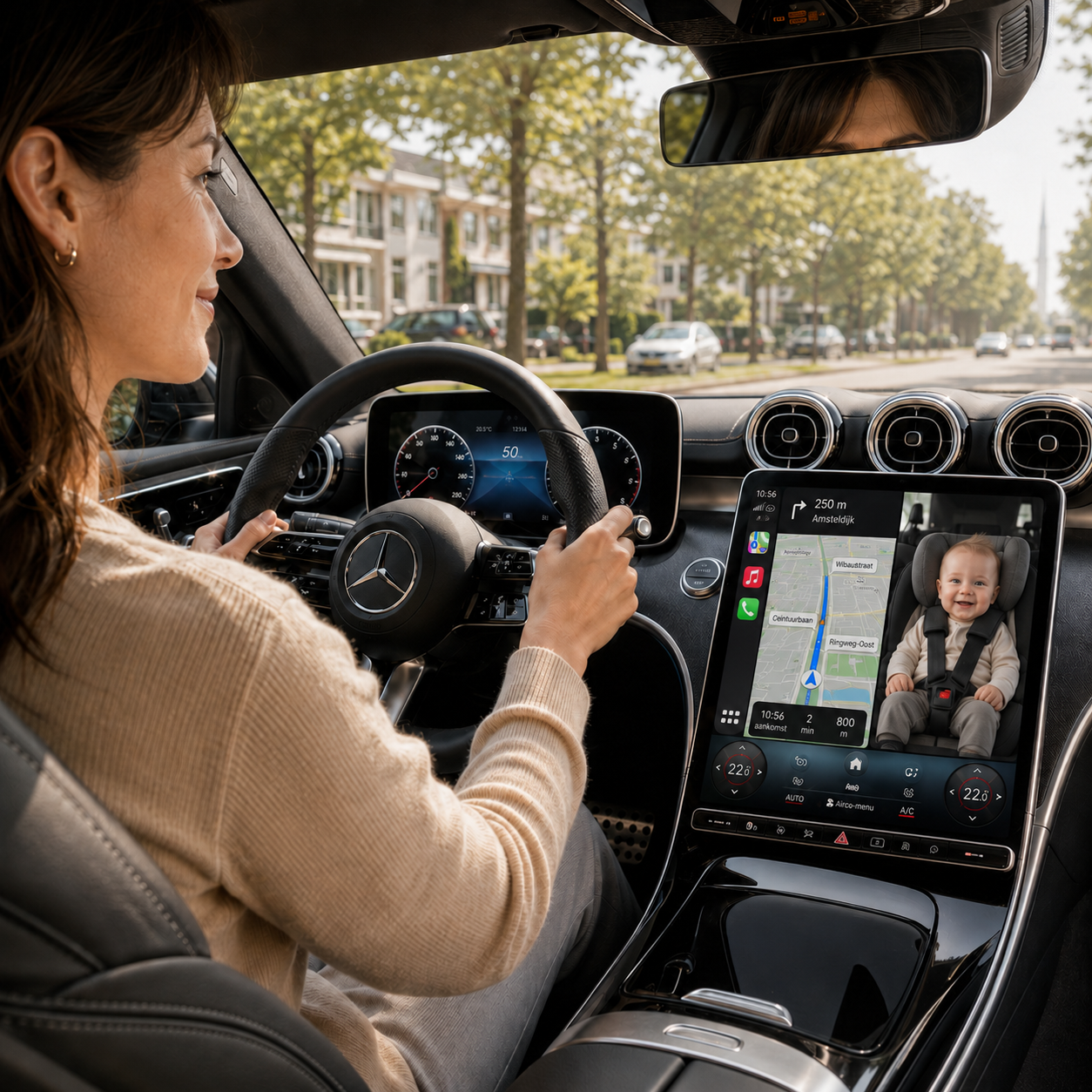
    The live image will appear directly on your existing car screen.

    KiddyView Use the screen that's already in your car. This way, navigation and baby picture remain available, without additional monitor on the dashboard.

    • You can choose image next to the route or complete baby image.
    • Night vision also provides clear image in the dark.
    • A short look gives you peace while you stay focused on the road.

    That's... KiddyView. More rest, without turning you around while driving.

    Live baby image next to navigation on the CarPlay-screen

All clear?

Then you're ready for quieter rides.

Choose the KiddyView- performance that matches your car.

Your cart

Subtotal

Free shipping